Your website is often the first moment of contact with a potential customer. Yet we at Webtify often see business owners spend a lot of time building pages, blogs and funnels, but then the website remains mostly static. A shame, because that's exactly where AI can add a lot of value.The only question is: how do you use AI smartly, without making your website feel impersonal or unreliable? In this blog, we explain how to practically use
AI on your website, where it can save you time and where, on the contrary, you need to stay in control.
What do we mean by AI on your website?
By
AI on your website, we don't mean that everything should be written or taken care of automatically by artificial intelligence. It's mostly about smart support. Think about help with content, customer questions, structure, analytics and conversion.AI works best as an extra layer on top of a good website. Haven't got the basics down yet? Then read about
what to look out for when having a website created.
What AI is really useful for
1. Create content ideas and page layouts faster
Many entrepreneurs know perfectly well what they do, but find it difficult to put that clearly on their website. AI can help in thinking of topics, making a first draft for a landing page or structuring a blog. Think of frequently asked customer questions, explanations of your service or ideas for new knowledge base articles. This saves time, especially if you already know where you want to go but still lack a good starting point.
2. Help with SEO and search intent
Using AI can also help you better understand what your target audience is searching for. Not by making up keywords blindly, but by arranging topics, questions and subtopics logically. This is useful if you want to write pages that not only read well, but also better match search behavior.At Webtify, we often get asked how to create content that works for both people and search engines. Then we always look at structure, intent and clear language. This is where AI can really help, especially when combined with a strong SEO foundation. If you want to know more about that, read also
how to improve SEO in WordPress and
how to write a good SEO blog.
3. Catch customer queries with smart chat
One of the most practical uses of
AI on your Web site is a smart chat feature. Not every visitor wants to call or email right away. Sometimes someone just wants to know quickly if you deliver in a certain region, what a service costs approximately, or which solution fits their situation.An AI chat can catch those initial questions 24/7 and help visitors along. That lowers the barrier to contact and prevents you from missing opportunities outside business hours. Especially if you want more than a standard script, it's smart to look at the difference between
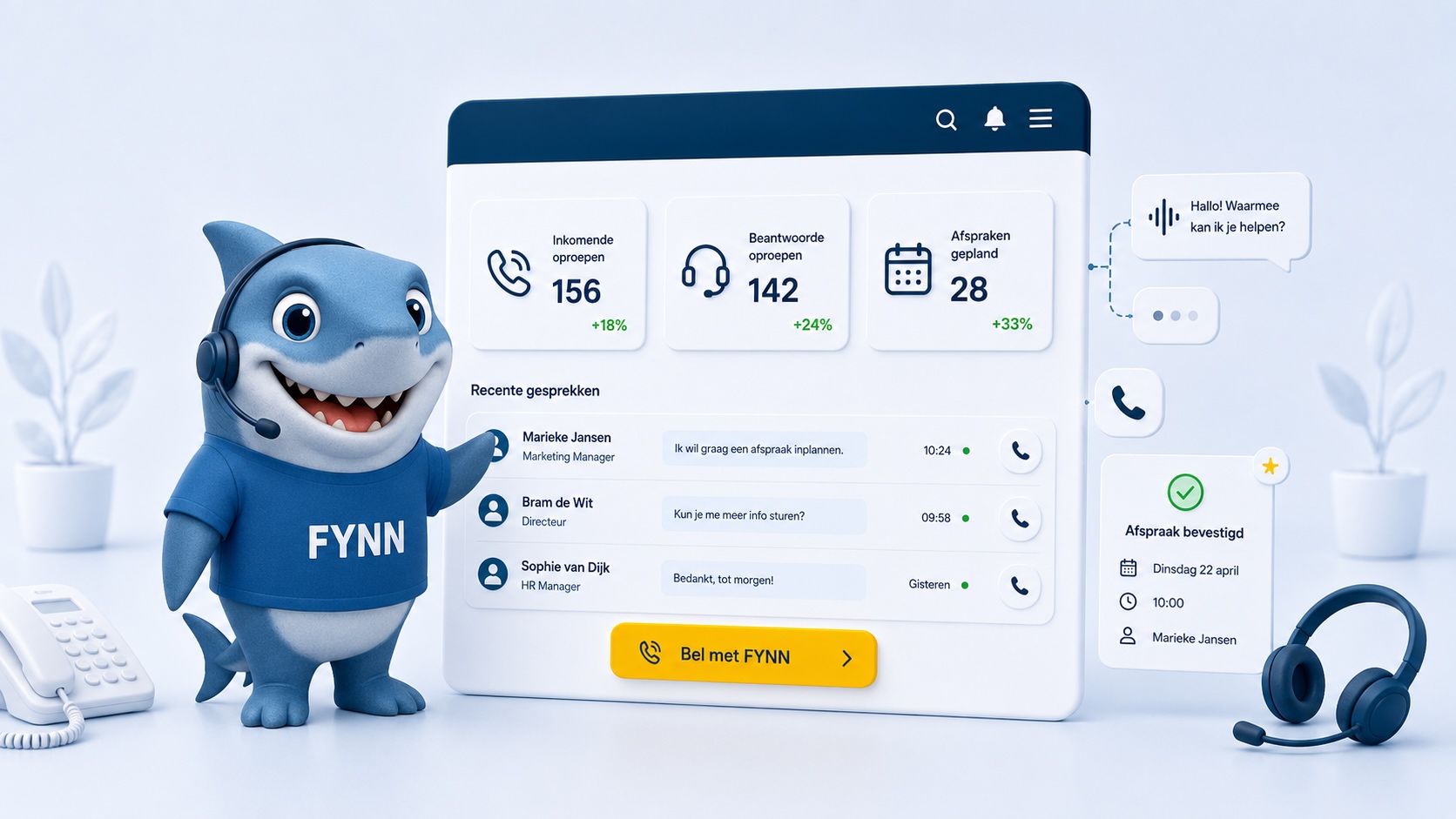
an AI agent and a chatbot.At Webtify, we use FYNN. FYNN is our AI Agent that can talk to your customers in a smart way. It learns from the information on your website and responds exactly in the tone-of-voice of your brand. Want to know more about FYNN? Then check out
this page about FYNN to learn more.
4. Improve existing texts
Do you already have texts on your website, but they still feel too long, too vague or not quite clear? Then AI can help with rewriting, shortening or sharpening headings. Think of it as a smart co-reader that helps you get to a better version faster.This works especially well for service pages, FAQs and blogs. The content still has to come from you, but AI can just make it clearer and more scannable.
5. Translate insights into actions
Data is only useful if you do something with it. AI can help interpret behavior on your website faster. Which pages get abandoned? Which questions come back often? Which CTA is clicked infrequently?By cleverly combining these signals, you can make more targeted improvements. Tools around statistics and behavior remain important in this regard. That's why it's useful to also understand
what Google Analytics does and how to combine that with content optimization.
What you better not use AI blindly for
Your brand story and tone of voice
A first draft can be written by AI, but your brand story should feel recognizable. Visitors quickly puncture it if a text sounds too general, too slippery or too detached. Especially on your homepage, about-us page and sales pages, you want the content to really fit your company. At Webtify, we regularly see entrepreneurs generating complete texts too quickly and publishing them one at a time. Then you often lose exactly what sets you apart.
Strategic choices
AI can give suggestions, but it does not determine your positioning, offerings or target audience. It does not know which customers you prefer to help, where your margins are or what direction you want to grow. So use AI as a tool, not as the final authority.
Publishing without control
This is perhaps the most important. AI can give strong output, but it can also summarize information incorrectly, phrase it too generally or miss nuances. Therefore, always check your facts, tone of voice and practical accuracy before anything goes live.
Here's how to do it smartly
Want to get started with
AI on your website? Then keep it practical:
- Use AI to gather ideas, set up and improvement points
- Deploy AI for quick answers to recurring questions
- always let your own expertise be leading
- check texts and output before publishing
- Combine AI with a strong website base, good content and clear conversion paths
So AI works best not as a replacement for your website approach, but as a reinforcement of it. That's exactly where the biggest gains are.
From smart help to a better website
The best use of AI is usually surprisingly simple: less manual work, faster response for visitors and clearer content. If you deploy it well, AI not only helps your website work more efficiently, but also converts better.Want something smarter than just a standard chat or loose AI text? Then it's important to first look at where your website is currently losing time or missing leads. From there, you can make targeted improvements. At Webtify, we like to think along with you, so that
AI on your website really delivers and is not just a nice extra feature.


 Start a chat.
 Call us.
 WhatsApp us.
 Create a ticket.