Start a chat.
 Call us.
 WhatsApp us.
 Create a ticket.
Your Web site feels sluggish, scores in speed tools are disappointing and you suddenly hear terms like caching, server level and HTTP/3 passing by. Then chances are you've also come across the name LiteSpeed. But what exactly is LiteSpeed, and what can you as a business owner or website owner really do with it?
At Webtify, we find that many business owners think LiteSpeed is just a plugin. That's understandable, because in WordPress you often see the LiteSpeed Cache plugin first. In reality, the story begins one layer deeper: with the Web server itself.
What is LiteSpeed?
LiteSpeed is a web server. Simply put, it is the software that processes Web site requests and delivers your pages to visitors. According to the official documentation, LiteSpeed Web Server is a fast and secure Web server that can be used as a replacement for Apache.
The latter is important. Many Web sites traditionally run on Apache, but LiteSpeed is built as an alternative that can use the same kind of configurations while handling performance and concurrent visitors differently. To that end, the platform uses an event-driven architecture, making it efficient with server resources.
Why do you hear LiteSpeed so often with WordPress?
In practice, LiteSpeed often comes up with WordPress websites because speed there directly affects user experience, SEO and conversion. A slower website is more likely to turn visitors away, especially on mobile. That's why at Webtify we look not only at design, but also at the technical foundation under a site.
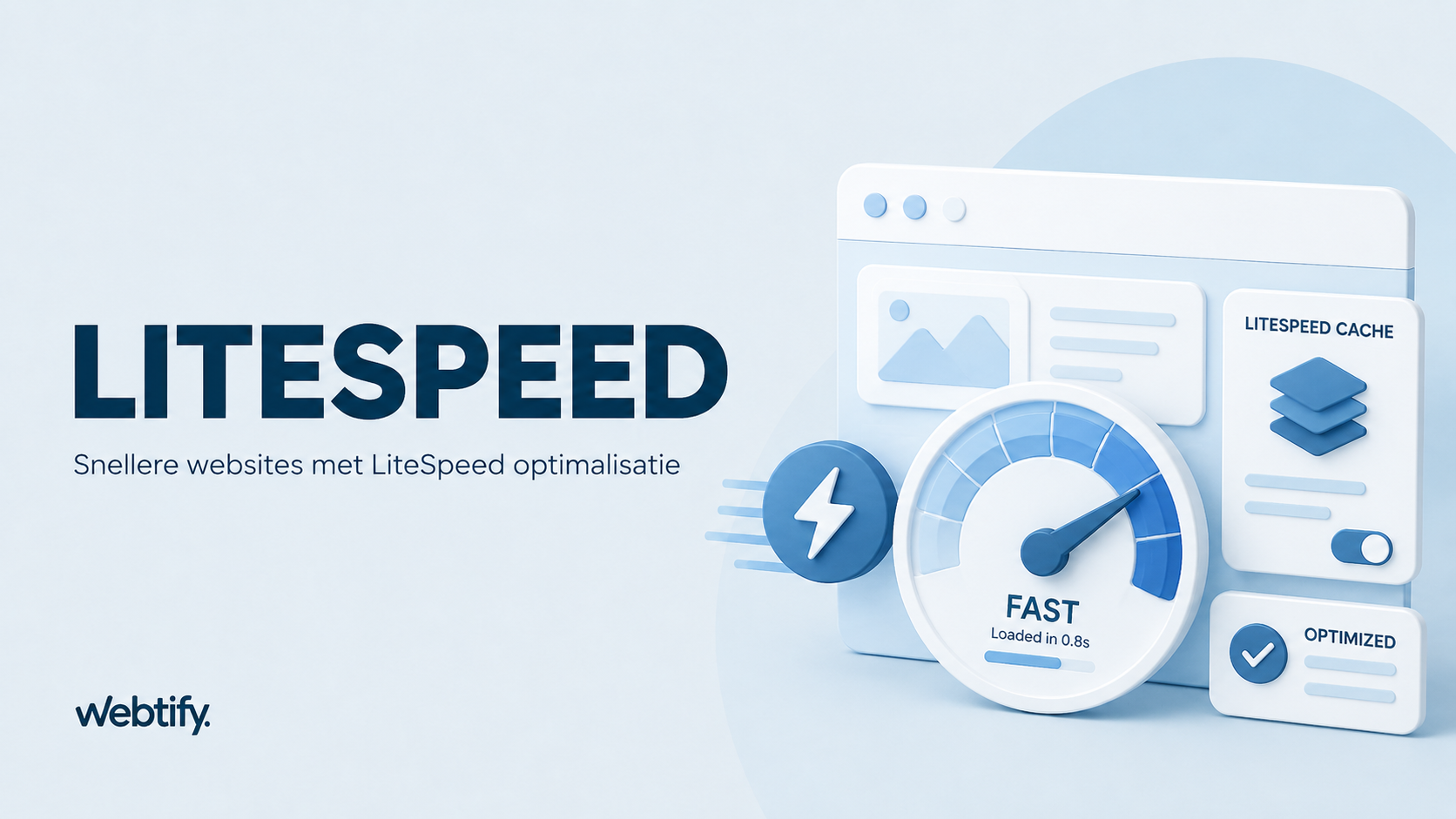
LiteSpeed is best known in WordPress for combining the server itself with LSCache. That's LiteSpeed's caching layer. It is integrated into LiteSpeed server products and can ensure that pages are delivered faster than if each request had to be completely rebuilt from scratch.
If you want to understand more broadly why speed has so much influence, read about why your website is not bringing in enough customers and what Google tools are useful for your website.
What does LiteSpeed Cache do?
The term LiteSpeed is often used as if it's just about caching, but that's only part of the story. LiteSpeed Cache, often abbreviated as LSCache, stores ready-made versions of pages so that the server can display them faster to subsequent visitors.
This is especially beneficial for dynamic websites such as WordPress and WooCommerce. Without caching, a page often has to be rebuilt from PHP, database queries and plugins. With caching, that doesn't have to be done from scratch every time.
What you can do with that in practice
- faster load times for frequently visited pages
- less server load at peak traffic
- better performance for WordPress websites and web shops
- support for additional optimizations such as image optimization and object cache, depending on your setup
Important to know: the full power of LSCache works best when your website is actually running on a LiteSpeed server. So just installing the plugin is not automatically the same as taking advantage of all LiteSpeed benefits.
LiteSpeed and HTTP/3
Another point where LiteSpeed is often mentioned is support for modern protocols such as HTTP/3. LiteSpeed supports HTTP/3, which uses QUIC. That protocol was developed to make connections more efficient, especially with modern and mobile Internet connections.
For visitors, that doesn't mean that a website suddenly becomes magically lightning fast, but it can help with smoother and more modern content delivery. Especially if your website has a lot of mobile traffic, this is an interesting technical foundation.
Is LiteSpeed always the best choice?
No, not automatically. LiteSpeed can do a lot for performance, but it is not a panacea. A poorly built website remains a poorly built website even on a fast server. Heavy plugins, cluttered themes, oversized images and unnecessary scripts won't solve themselves.
We see this regularly at Webtify, too. Entrepreneurs switch to better hosting or turn on a caching plugin, but then immediately expect top results. While real profit usually lies in the combination of good hosting, smart caching and a neat technical setup.
If you work with WordPress, then it's smart to also see LiteSpeed as part of a bigger picture. Articles like how to improve SEO in WordPress and what WP Rocket is also help you better understand that broader picture.
When do you get something out of LiteSpeed?
LiteSpeed is especially interesting if your website is seriously dependent on speed and stability. Think of companies that bring in leads through their site, web shops with many products or websites that run regular campaigns. Then every second counts.
Also, if you're already using caching but find that your site still feels heavy, it's smart to see if your hosting environment supports LiteSpeed. After all, not every hosting party uses the same server stack.
The bottom line is simple: LiteSpeed helps, but only if the basics are right
So LiteSpeed is not a loose marketing term, but a Web server technology that can make Web sites run faster and more efficiently. Combined with LSCache, this can benefit WordPress in particular. Think faster pages, less server load and support for modern techniques such as HTTP/3.
At the same time, the main lesson remains the same: performance does not start with one plugin, but with the overall technical foundation of your website. LiteSpeed can play a strong role in that, as long as your site is otherwise well set up.
Are you unsure if LiteSpeed is relevant to your website? If so, it's especially smart to look not just at a plugin name, but at your complete hosting, website structure and performance issues.
Frequently asked questions about LiteSpeed
No. LiteSpeed is fundamentally a web server. The LiteSpeed Cache plugin is a separate WordPress plugin that enables caching and additional optimizations, especially when combined with a LiteSpeed server.
No, it is not the only route to a fast website. However, LiteSpeed can be a strong technical foundation, especially for WordPress. Ultimately, things like theme, plugins, images and hosting quality also remain important.
Yes, LiteSpeed can be interesting for WooCommerce as well. Especially for webshops with high traffic or many dynamic pages, good caching and efficient server processing can help keep performance stable.